Introduction
Windows still runs the world. With 71.68% of the global desktop OS market share as of early 2025, Windows remains the dominant operating system for enterprise computing. And despite the cloud migration narrative, 55% of enterprise organizations still rely on traditionally managed on-premises systems. The desktop is not going anywhere.
The software testing market reflects this reality. Estimated at USD 50-60 billion in 2025 and projected to reach USD 107-112.5 billion by 2032-2034, testing is a massive and growing industry. The automation testing sub-market alone is valued at USD 20.6 billion. Yet the distribution of that investment is uneven. Web testing adoption stands at 52%, mobile at 45%, but desktop testing languishes at just 29%.
That gap is closing. AI-powered tools are finally making desktop test automation practical for organizations that have relied on manual testing for decades. But the landscape is complex, the tooling is fragmented, and the choices are not obvious. This article maps the terrain.
Why Desktop Testing Has Always Been the Hard Problem
Web browsers expose a DOM. Playwright and Selenium query it reliably with CSS selectors and XPath. The abstraction is clean, standardized, and consistent across browsers. Desktop applications offer no such luxury.
Windows desktop applications are built with varied UI frameworks: Win32, WinForms, WPF, UWP, Electron, Qt, Java Swing, Delphi — each with inconsistent automation support. Microsoft UI Automation (UIA) provides some programmatic access to UI elements, but coverage varies wildly. Many legacy enterprise applications were built long before accessibility was a design consideration. Custom-rendered controls — canvas-based widgets, DirectX overlays, proprietary UI components — often expose no automation tree at all.
Environment sensitivity compounds the problem. Desktop tests depend on screen resolution, DPI scaling, OS version, installed software, and even font rendering. Unlike web testing, there is no headless mode. Desktop tests require an interactive desktop session with a visible screen.
Then there is the CI/CD problem. Session 0 isolation, introduced in Windows Vista and Windows Server 2008, means all Windows services run in a completely isolated, non-interactive session. Keyboard and mouse input are ignored in Session 0 on Windows 10, Windows 11, and Windows Server 2016 and later. This makes running desktop tests from a CI/CD pipeline architecturally complex — you cannot simply trigger a test from a build agent running as a service.
The result: most testing tool vendors historically did not invest in desktop support. The engineering effort is high, the market is fragmented, and the return on investment was uncertain. That calculus is changing.
The Traditional Tool Landscape
Before examining how AI is reshaping desktop testing, it is worth understanding the tools that exist today and what each brings to the table.
Commercial Tools
UFT One (OpenText) is the legacy heavyweight. Formerly Micro Focus QuickTest Professional (QTP), it was acquired by OpenText in 2023. UFT One supports GUI, API, mobile, web, desktop, mainframe, and SAP testing with AI object detection and self-healing capabilities. It was named a Leader in the 2025 Gartner Magic Quadrant for AI-Augmented Software Testing Tools. Pricing is custom enterprise licensing, and users consistently report very high costs.
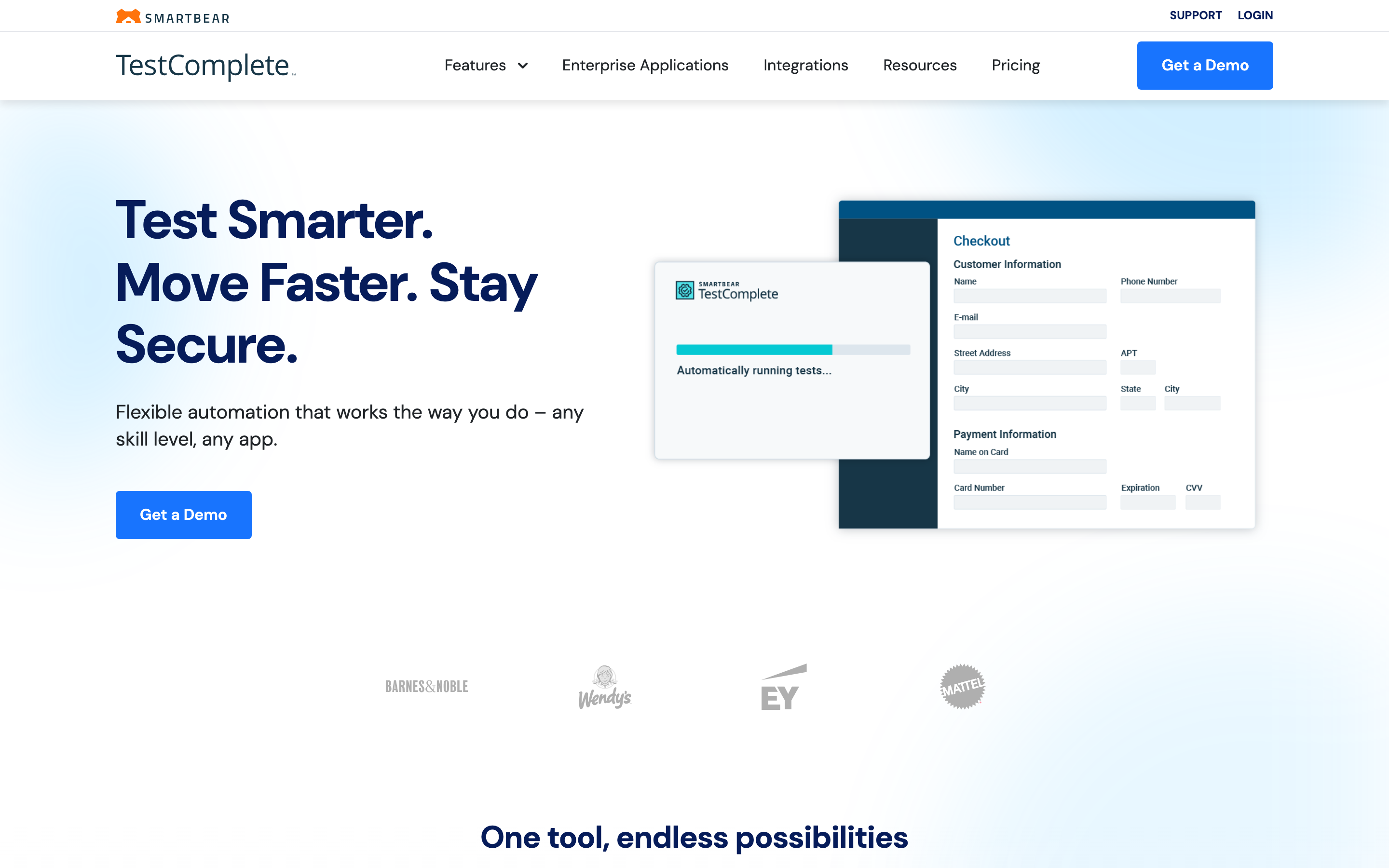
TestComplete (SmartBear) offers AI-powered visual recognition for dynamic UI elements with scriptless record and replay. It supports Win32, WPF, WinForms, UWP, .NET, Java, Qt, and Delphi applications across Windows 7 SP1 through Windows 11 and Windows Server 2025, including built-in Citrix automation support. SmartBear was named a Challenger in the 2025 Gartner MQ. Pricing ranges from approximately $1,000-$3,000 per license, with the full platform around $8,000.
Ranorex Studio provides drag-and-drop test creation with proprietary RanoreXPath object recognition and C#/VB.NET scripting. It offers full Windows desktop automation with self-healing capabilities, and its AI engine "Sembi IQ" and "DesignWise" provide AI-enhanced test case optimization. Pricing starts at approximately $2,424 for a one-time license.
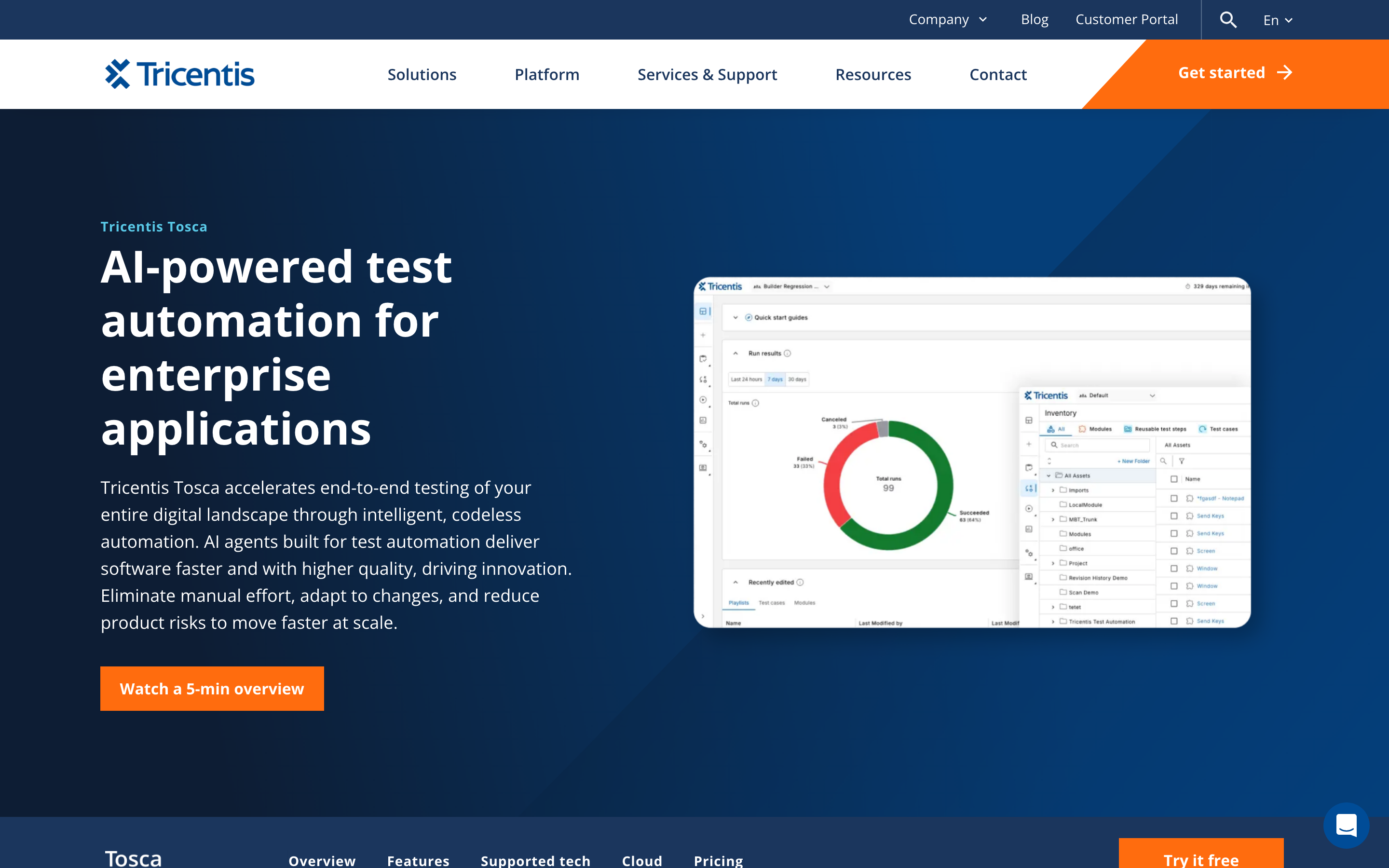
Tosca (Tricentis) takes a model-based, codeless approach with Vision AI for intelligent object detection using computer vision. It covers 160+ technologies including desktop, web, SAP, mainframe, mobile, and API. In 2025, Tricentis introduced Agentic Test Automation — generating test cases from natural language prompts, claiming an 85% reduction in manual test case creation and a 60% productivity boost. Tosca was named a Leader in the 2025 Gartner MQ. Premium pricing runs $10,000-$15,000/user/year for concurrent licenses, with named user licenses around $3,000-$4,000/year.
Eggplant Test (Keysight) uses a computer vision and OCR approach that is completely technology-agnostic. It works on any platform, OS, or device with an AI image search engine featuring five recognition modes. Eggplant was named a Leader in the 2025 Gartner MQ. Pricing is approximately $16,000/year for Eggplant Functional, and around $45,000/year with Manager and DAI.
LEAPWORK offers visual, no-code automation using flowchart-based design with AI-driven recognition and self-healing for desktop and Citrix/virtual environments. It is a strategic Microsoft test automation partner for Dynamics 365 and Power Platform, and claims to be the only AI platform that tests AI apps like Microsoft Copilot. Annual subscription pricing typically ranges $22,000-$75,000/year.
Squish (Qt Group) specializes in cross-platform GUI testing with native Qt support (Qt 4.x through Qt 6.10 as of Squish 9.1.1 in 2025). It provides object-based, accessibility-based, image-based, and OCR-based recognition with BDD support. Qt Group acquired froglogic GmbH on April 13, 2021. Pricing starts at approximately EUR 2,000/user with annual developer licenses around $5,200.
Katalon Studio provides AI-augmented testing across web, mobile, API, and desktop with smart wait and self-healing locators for desktop apps. A free tier is available, with Premium starting from $175/month per license.
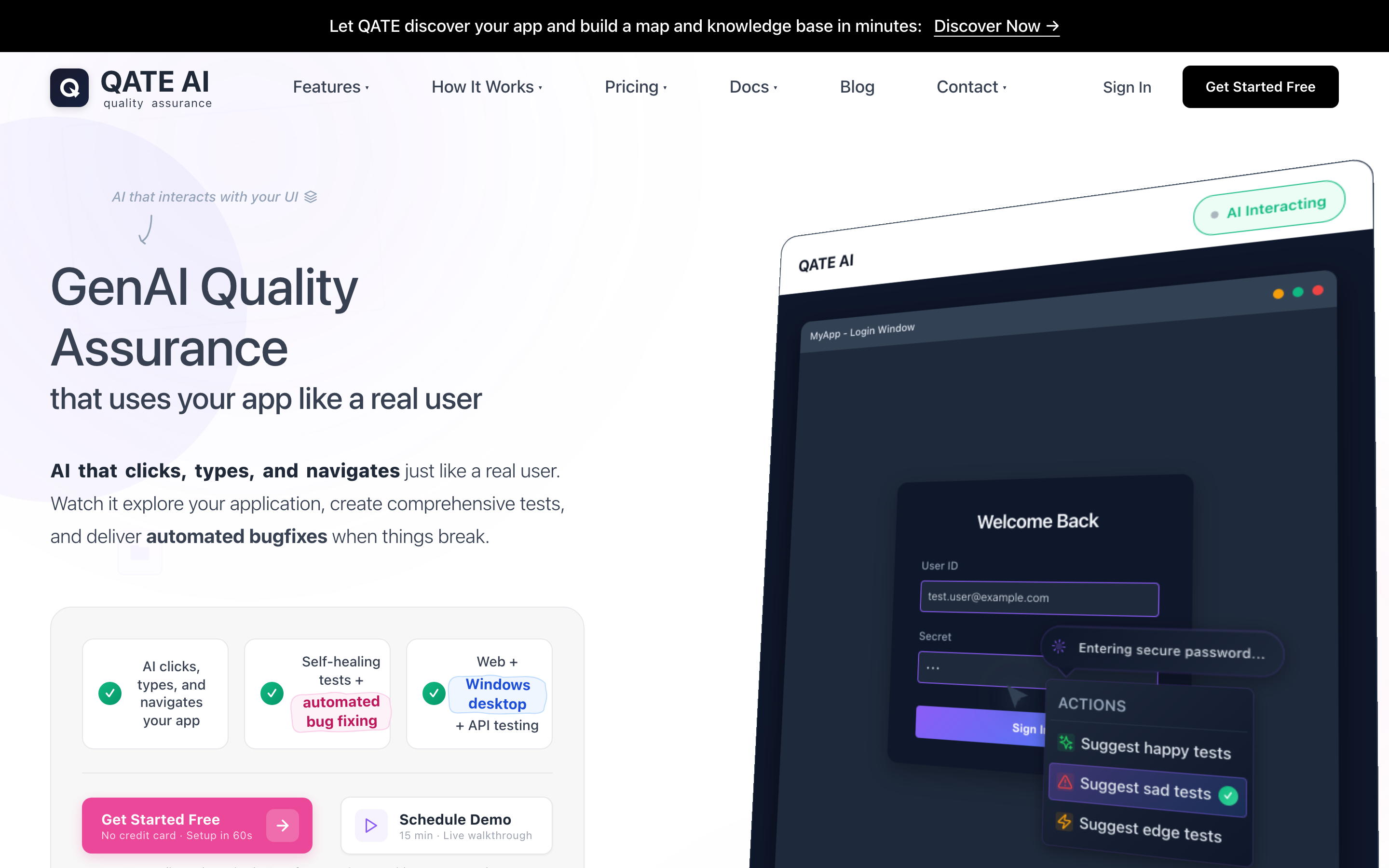
Qate is an AI-native testing platform that unifies web, Windows desktop, REST API, and SOAP service testing in a single interface. Tests are authored in plain English through a conversational workflow — describe the scenario and the AI generates executable, replayable steps backed by deterministic locators rather than live computer-use agents. It includes self-healing for both web and desktop targets, variable chaining across UI and API steps, and a free tier for getting started.
Open-Source and Scripting Tools
FlaUI is a .NET library built on Microsoft UI Automation with UIA2 and UIA3 backends. Actively maintained (v5.0.0, February 2025) with 2.7k GitHub stars, it supports Win32, WinForms, WPF, and Store Apps. It added .NET 8 support in v5.0.0. MIT license.
WinAppDriver (Microsoft) implements the Appium protocol for Windows apps (UWP, WinForms, WPF, Win32). However, it is effectively abandoned: the last meaningful update was in 2021, it has 1,000+ open issues, and development has been paused since November 2020. Its latest release requires .NET 5 (end-of-support May 2022) and uses the deprecated JSON Wire Protocol. The NovaWindows Driver is emerging as a community replacement.
Pywinauto is a Python library (v0.6.9, January 2025) with Win32 API and MS UI Automation backends. BSD 3-clause license.
SikuliX uses image recognition via OpenCV for technology-agnostic automation. Open source but with minimal development activity since 2021.
AutoIt provides BASIC-like scripting for Windows GUI automation. Freeware. Scripts compile to standalone executables. Still actively used for legacy Win32 apps.
Robot Framework integrates with desktop tools through libraries — robotframework-flaui is the most actively maintained desktop library, with additional integrations for Sikuli, AutoIt, and Pywinauto.
The Gartner Magic Quadrant Arrives
On October 6, 2025, Gartner published the first-ever Magic Quadrant for AI-Augmented Software Testing Tools. This was a watershed moment for the testing industry. For the first time, AI-native testing platforms were evaluated as a distinct category rather than a feature of traditional test management tools.
The results mapped the competitive landscape clearly:
- Leaders: Tricentis, Keysight (Eggplant), OpenText (UFT), UiPath
- Challengers: SmartBear (TestComplete), LambdaTest (KaneAI)
The surprise entry was UiPath, named a Leader despite being known primarily as an RPA vendor. Its deep Windows UI Automation integration, built over years of robotic process automation, gave it a natural advantage in desktop test automation.
Two months later, in December 2025, Forrester published the Forrester Wave: Autonomous Testing Platforms, Q4 2025, evaluating 15 vendors. Leaders included ACCELQ and Tricentis. Strong Performers included Applitools and Functionize.
The analyst consensus is clear: AI-augmented testing is no longer emerging — it is mainstream. Gartner predicts that by 2028, 70% of enterprises will have integrated AI-augmented testing tools, up from 20% in early 2025. The AI-enabled testing sub-market was valued at $1.01 billion in 2025 and is projected to reach $4.64 billion by 2034, growing at a CAGR of 18.30%.
How AI Is Changing Desktop Testing
Four distinct AI approaches are now being applied to desktop testing, each addressing different aspects of the problem.
Computer Vision and Visual AI
Computer vision treats the application as a user would see it — pixels on a screen rather than elements in an automation tree. This makes it inherently technology-agnostic.
Eggplant (Keysight) pioneered this approach with its AI image search engine and five recognition modes. AskUI takes a modern vision-based approach, using AI agents with pixel-level interpretation for cross-platform automation. Its clients, including Deutsche Bahn, have reported 80% reductions in test time. Tricentis Vision AI uses computer vision to recognize UI control types — dropdowns, tables, menus — the way a human would, without relying on element properties.
Vision-based testing reportedly reduces test maintenance by up to 60% compared to selector-based methods. The trade-off is speed: visual analysis is slower than direct API interaction. But for applications where no automation API exists — legacy apps, Citrix/RDP environments, canvas-based UIs — vision may be the only viable path.
Self-Healing Tests
When a UI element changes — its ID, class, or position — self-healing AI automatically updates locators so tests do not break. Tools offering desktop self-healing now include ACCELQ, Katalon, Qate, Ranorex, LEAPWORK, testRigor, Tosca, and UFT One.
The techniques vary: convolutional neural networks for visual element location, NLP for understanding UI element meaning, and supervised learning for predicting element locations after UI changes. We have written extensively about how self-healing tests address the maintenance problem. By 2026, self-healing has become table stakes — virtually every major platform offers it.
Natural Language Test Creation
Writing tests in plain English rather than code fundamentally changes who can create and maintain automated tests.
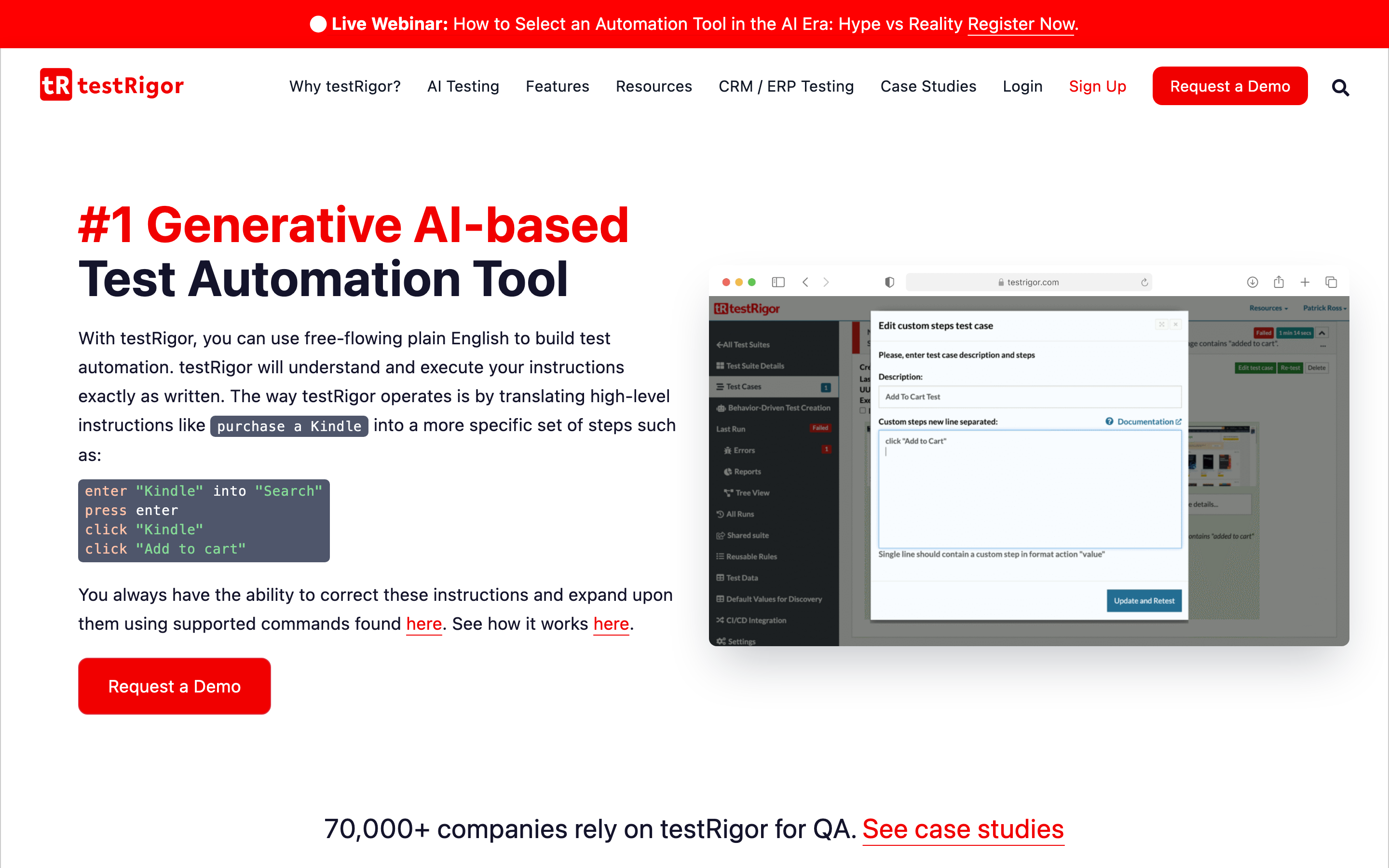
testRigor allows tests written entirely in plain English for web, mobile, desktop, mainframe, and API. The company made the 2025 Inc. 5000 list. ACCELQ offers natural language programming and was named Leader in the Forrester Wave Autonomous Testing Q4 2025 with the highest score in Current Offering. Tosca's Agentic AI generates comprehensive test cases from natural language prompts. Microsoft Copilot Studio Computer Use (public preview) lets agents interact with desktop applications using natural language descriptions, with no coding required.
Qate takes a conversational approach to test creation for web, Windows desktop, REST APIs, and SOAP services from a single interface. Describe what you want to test in natural language, and the AI generates executable steps.
AI Computer Use Agents
The most disruptive development is the emergence of LLM-powered agents that "see" the screen and control the mouse and keyboard — treating the computer the way a human does.
Microsoft Fara-7B is the first agentic small language model for computer use (7 billion parameters), achieving 73.5% on WebVoyager (surpassing GPT-4o). It is MIT licensed and designed for on-device use on Copilot+ PCs. Anthropic's Claude Computer Use allows Claude to interact with desktop environments via screenshots and cursor/keyboard control. OpenAI's Operator/CUA combines GPT-4o vision with reinforcement learning, achieving 38.1% on OSWorld and 87% on WebVoyager. ByteDance's UI-TARS is an open-source multimodal model for computer control available in 2B, 7B, and 72B parameter variants. Microsoft Copilot Studio Computer Use is in public preview, enabling agents to interact with websites and desktop apps.
The current gap: the best AI agents achieve 19-38% on full desktop OS benchmarks (OSWorld, Windows Agent Arena) compared to approximately 75% for humans. These numbers are improving rapidly, but CUAs are better suited today for exploratory testing assistance and test step generation than fully autonomous execution. Testing platforms are starting to integrate these capabilities directly into their authoring workflows — Qate, for example, uses AI agents to translate plain-English intent into deterministic, replayable test steps across both web and Windows desktop, getting the productivity benefit of computer use without depending on a CUA for every run.
The RPA-Testing Convergence
A significant trend in 2025-2026 is the convergence of robotic process automation (RPA) and test automation. The underlying technology — programmatically controlling Windows desktop applications — is fundamentally the same.
UiPath released UiPath Test Cloud in March 2025, adding AI Computer Vision for Citrix/RDP environments. It is now a Gartner Magic Quadrant Leader in both RPA and AI-Augmented Testing — a unique dual distinction. Automation Anywhere, a Gartner MQ Leader for RPA 2025, is pursuing an "agentic approach" where RPA handles execution for AI-driven workflows. Microsoft Power Automate brings desktop automation through RPA capabilities, offering the easiest entry point for Microsoft 365 organizations.
This convergence — sometimes called hyperautomation — combines RPA, AI, machine learning, and process mining into unified platforms. Testing platforms are adopting RPA-like desktop automation capabilities; RPA platforms are adding testing features. For enterprise QA teams, this means more options and more overlap between tools that automate business processes and tools that test them.
What This Means for Enterprise QA Teams
The practical reality for enterprise organizations is that desktop applications are not going away. While 87% of enterprises are expected to operate hybrid cloud environments by end of 2025, only 20% intend to move all applications to the cloud. Legacy desktop applications — SAP GUI, Oracle Forms, custom .NET tools, internal utilities — will continue to require testing.
The good news is that the tools have caught up. 81% of development teams report using AI in their testing workflows in 2025. And 72.8% of survey respondents selected "AI-powered testing and autonomous test generation" as their top priority for 2026.
Regulatory requirements are also shaping tool selection. The EU AI Act reaches full enforcement in August 2026. Testing platforms that use AI must provide transparency about model decisions. On-premise deployment, audit logging, and explainability are moving from nice-to-have to must-have for organizations operating in regulated industries.
The practical advice: start with your highest-value desktop application. Automate the core regression suite. Expand from there. Multiple platforms now cover web, desktop, and API testing from a single interface — Tosca (Tricentis), ACCELQ, Katalon, Qate, testRigor, and Testsigma among them. The days of needing separate tools for each platform are ending.
For a deeper look at the technical approaches to Windows desktop testing, see our Complete Guide to Automated Windows Desktop Testing. For broader AI testing trends, see The State of AI-Powered Testing in 2026.
Conclusion
The Windows desktop testing landscape has shifted dramatically in 2025-2026. The Gartner Magic Quadrant and Forrester Wave signal that AI-augmented testing has reached market maturity. Computer vision, self-healing, natural language test creation, and AI computer use agents are transforming what was once the hardest problem in test automation.
AI is not replacing testers. It is making previously impractical automation practical — allowing QA teams to cover desktop applications that were too complex, too fragile, or too expensive to automate with traditional tools. Whether you choose a Gartner Leader like Tricentis, a vision-first platform like Eggplant, an AI-native tool like Qate, or an open-source stack built on FlaUI, the important thing is to stop accepting manual desktop testing as inevitable.
The technology exists. The market is mature. The only question is when your team starts.
Ready to transform your testing? Start for free and experience AI-powered testing today.